
Once you open and log into your clubs mobile app please follow these steps below:
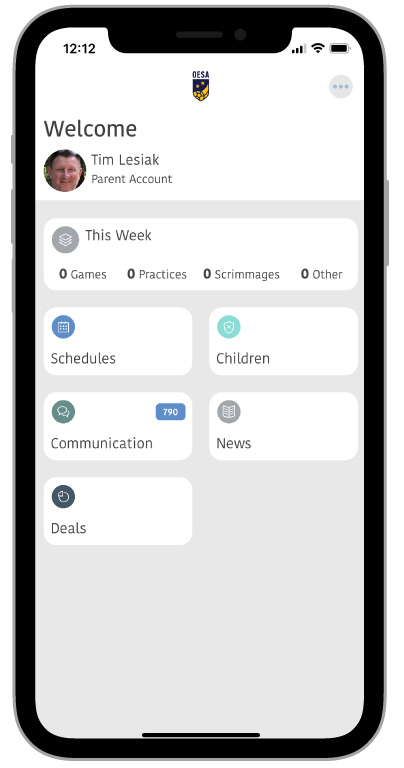
- Make sure you are logged into a parent account (this is only necessary if you have more roles such as a coach role or club admin role)
- Select Children on the dashboard
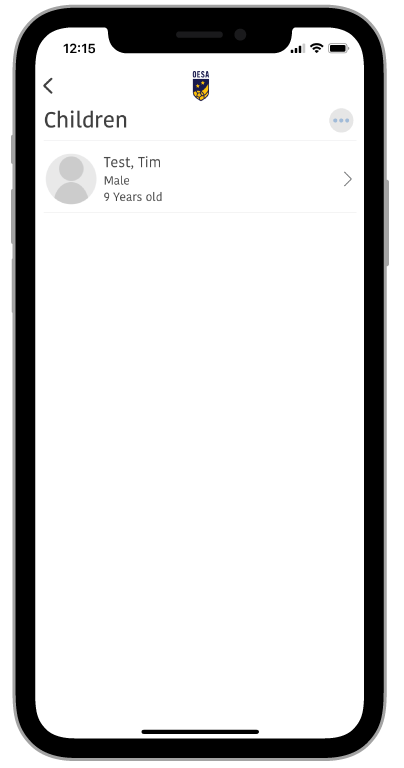
- Select Your Child
- Select Registration Programs
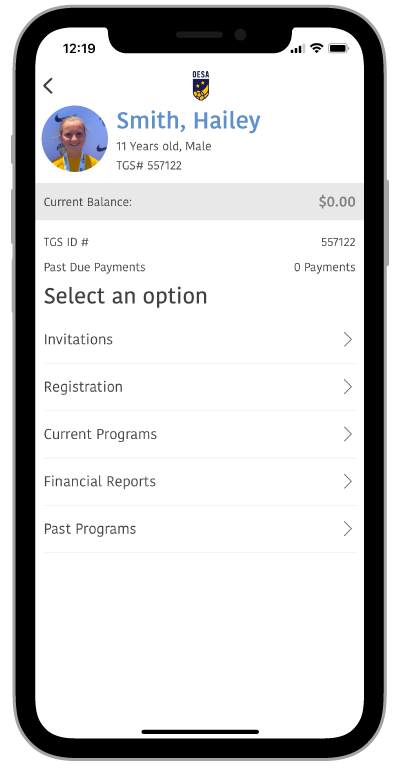
- Select Current Programs
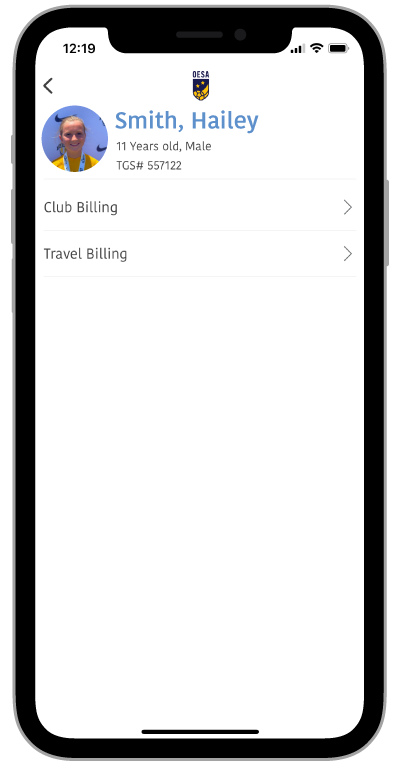
- Select Travel Billing - You will see a list of travel fees if you have multiple fees assigned to you for travel.
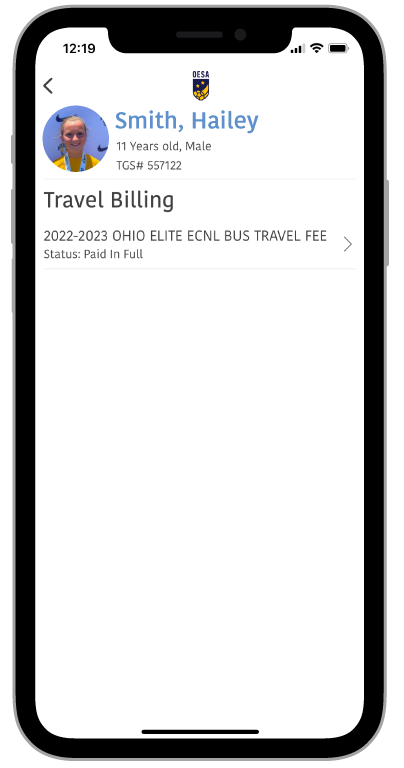
- Select the travel fee that you would like to pay
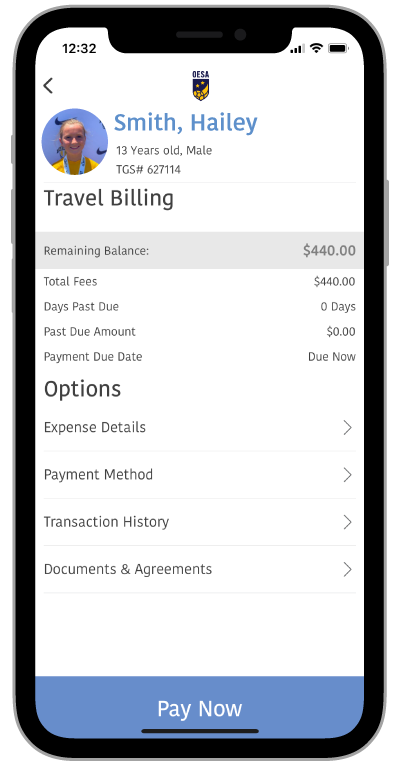
- Select the pay now button (If you would like to change your default payment method select payment method before you select pay now)
Comments
0 comments
Article is closed for comments.